AI Ecommerce Image Workflows
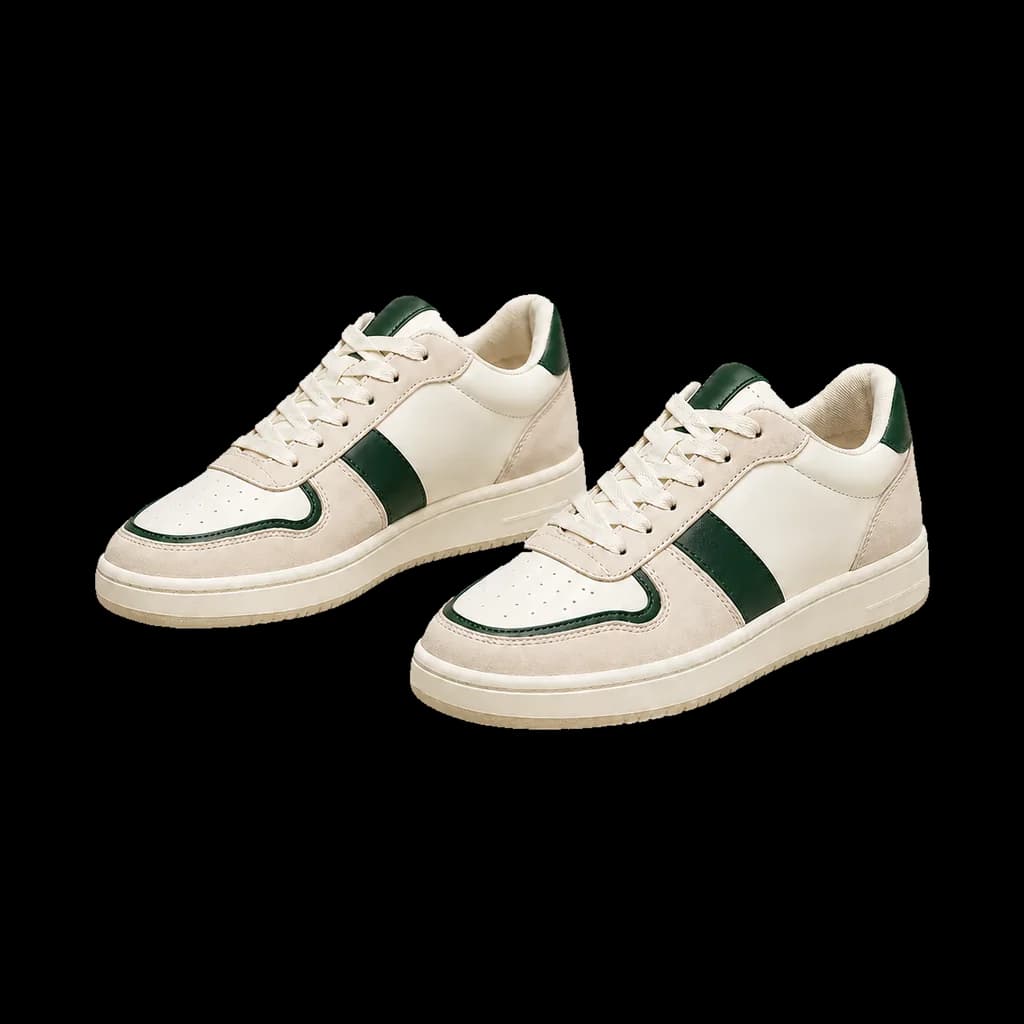
Start with product references for image suites, detail visuals, product editing or apparel try-on. Review product details and destination platform requirements before publishing.
Listing Content
Create image suites, SKU assets and detail visuals for review before listing
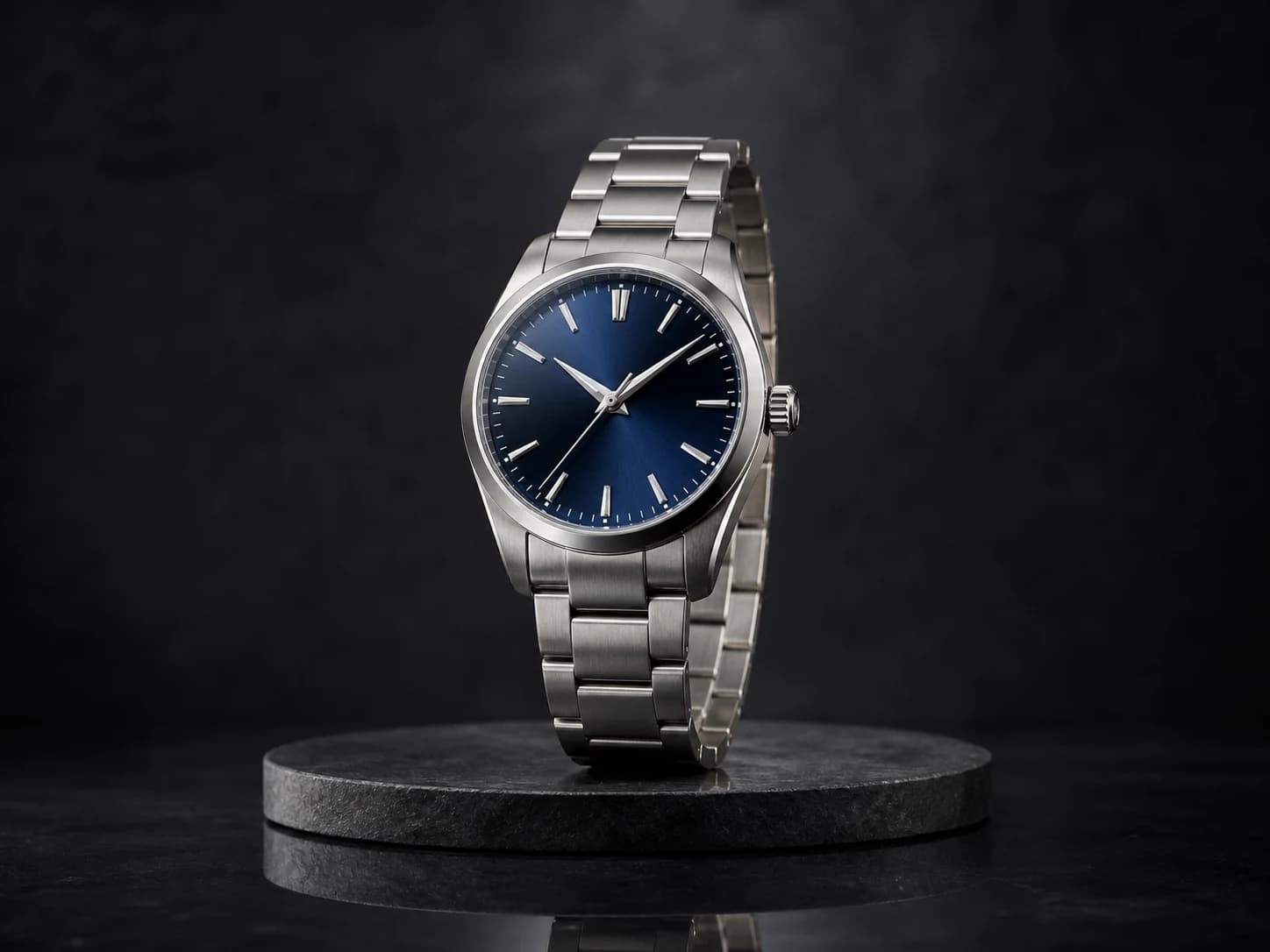
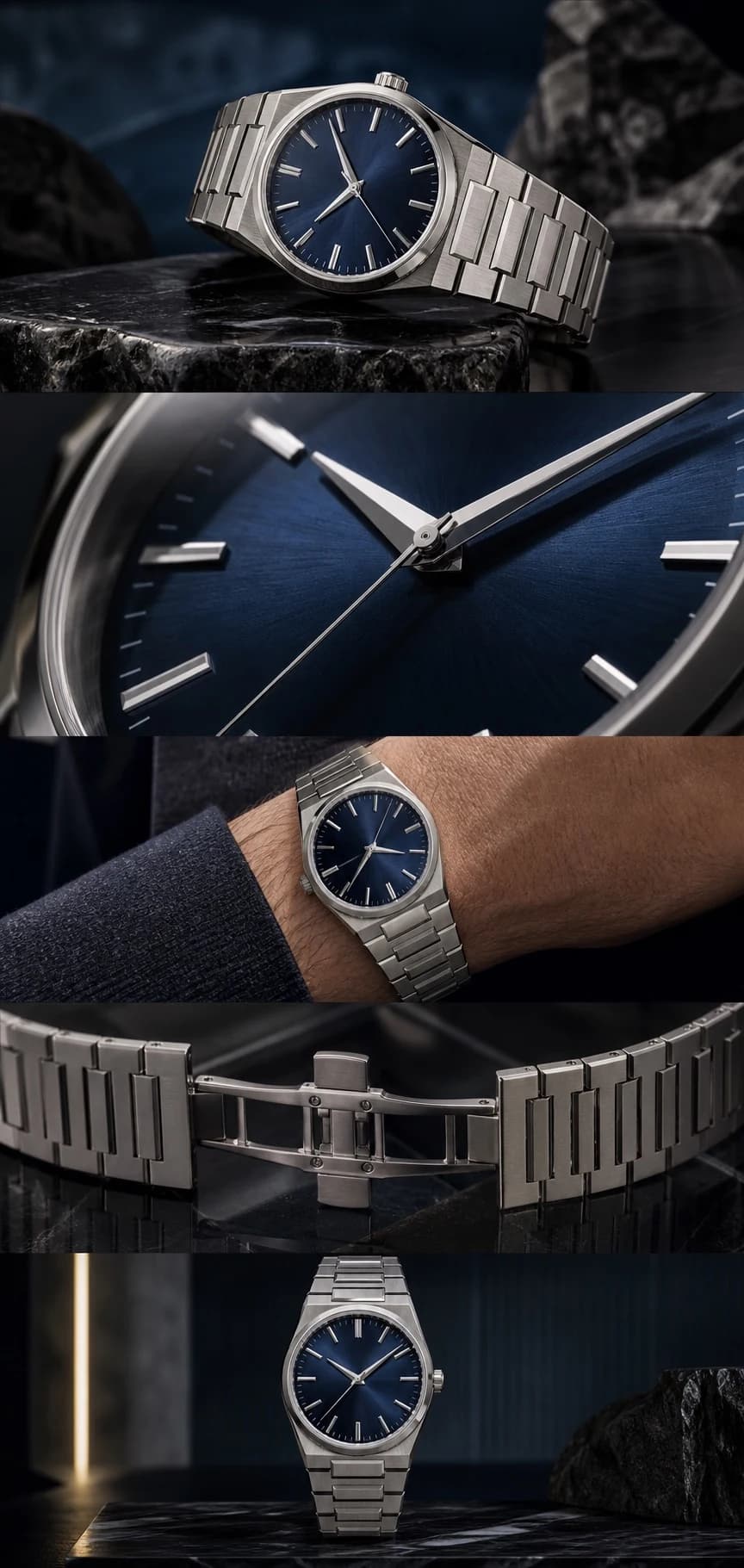
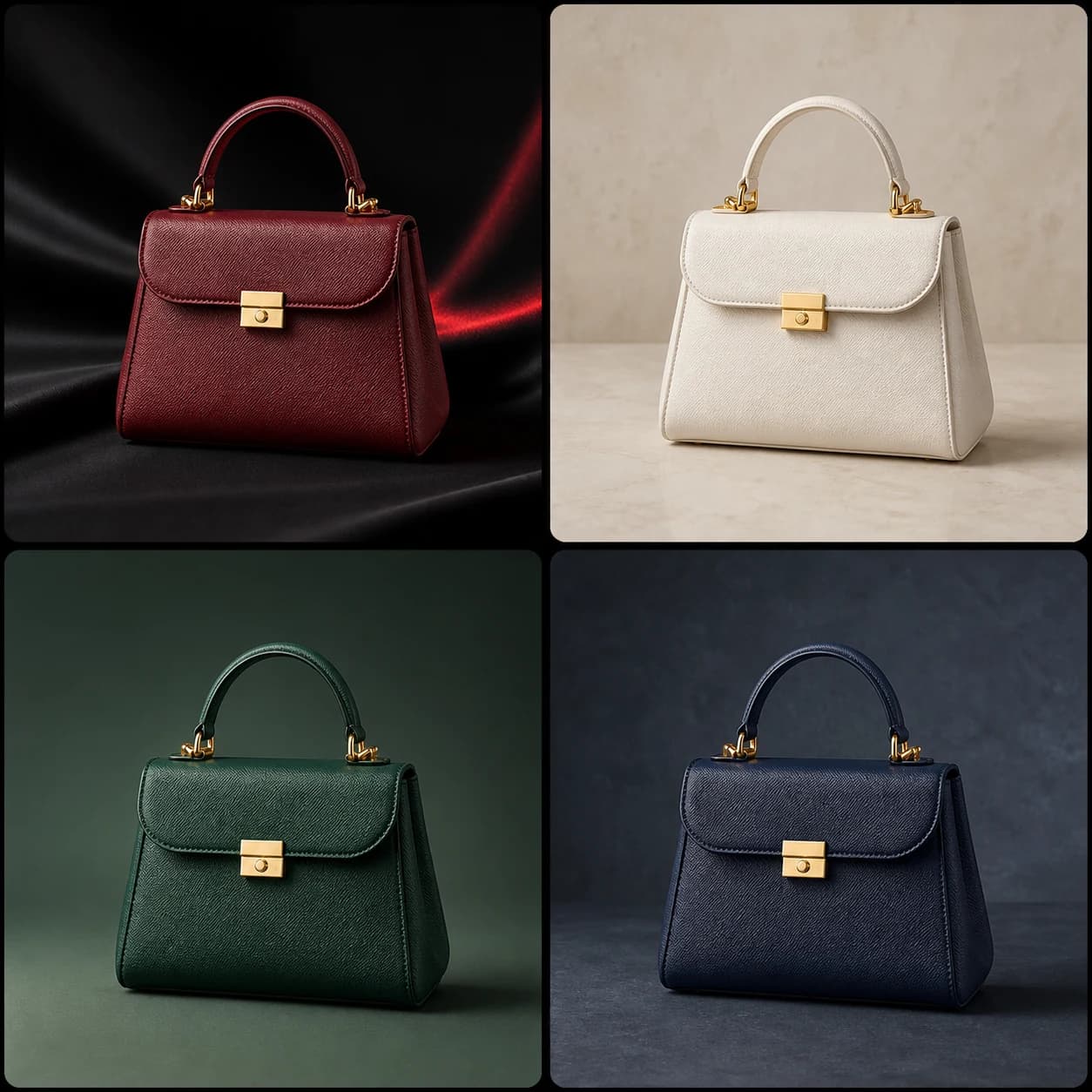
Product Image Tools
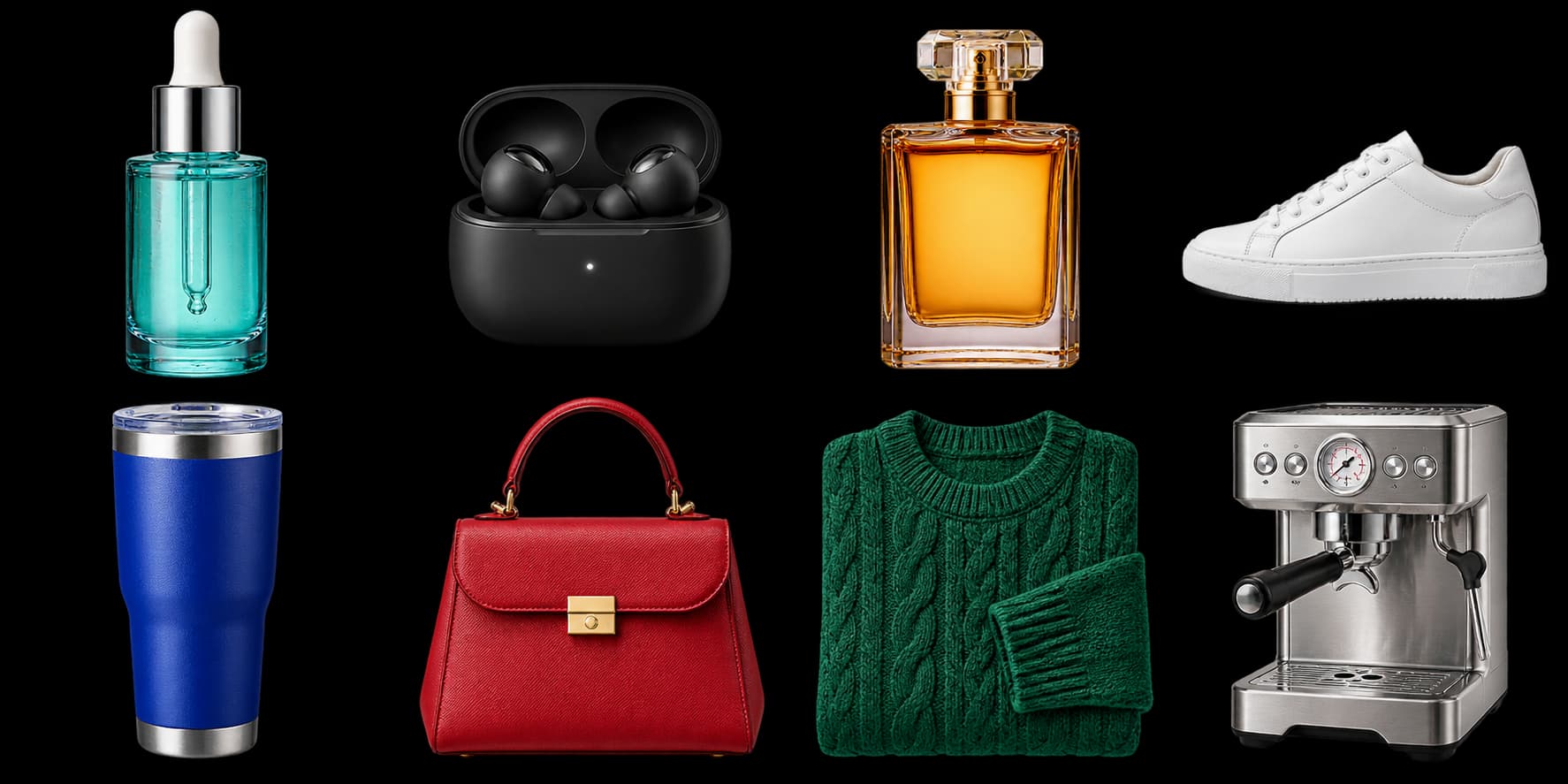
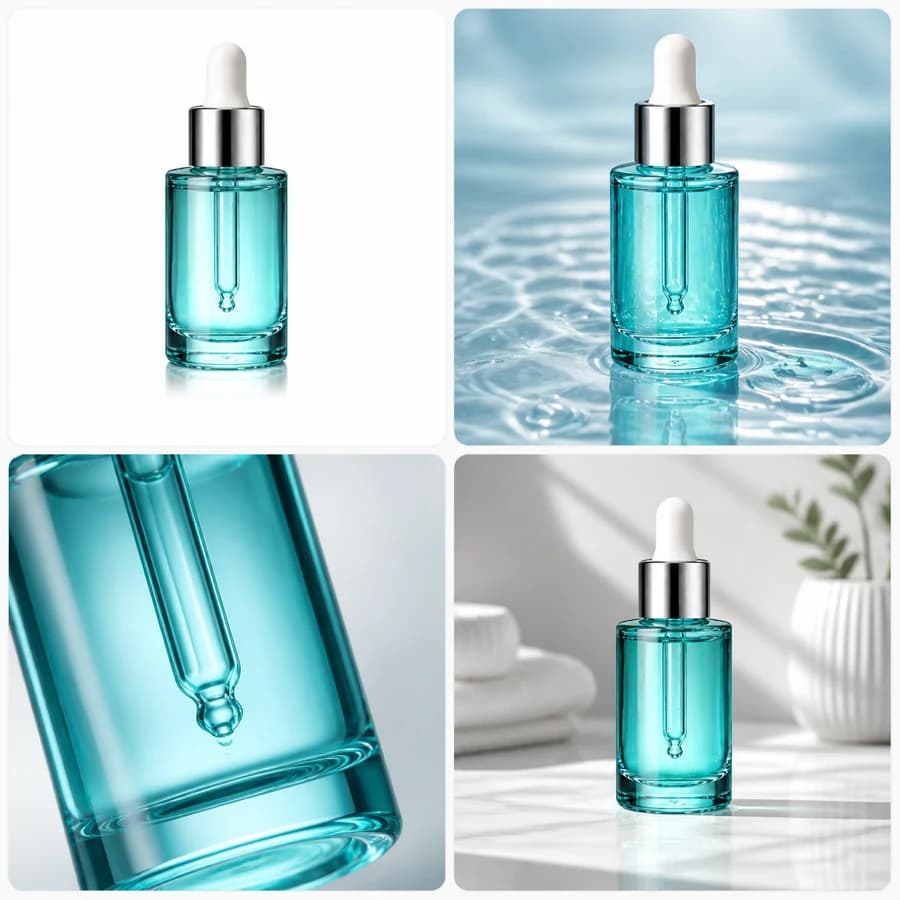
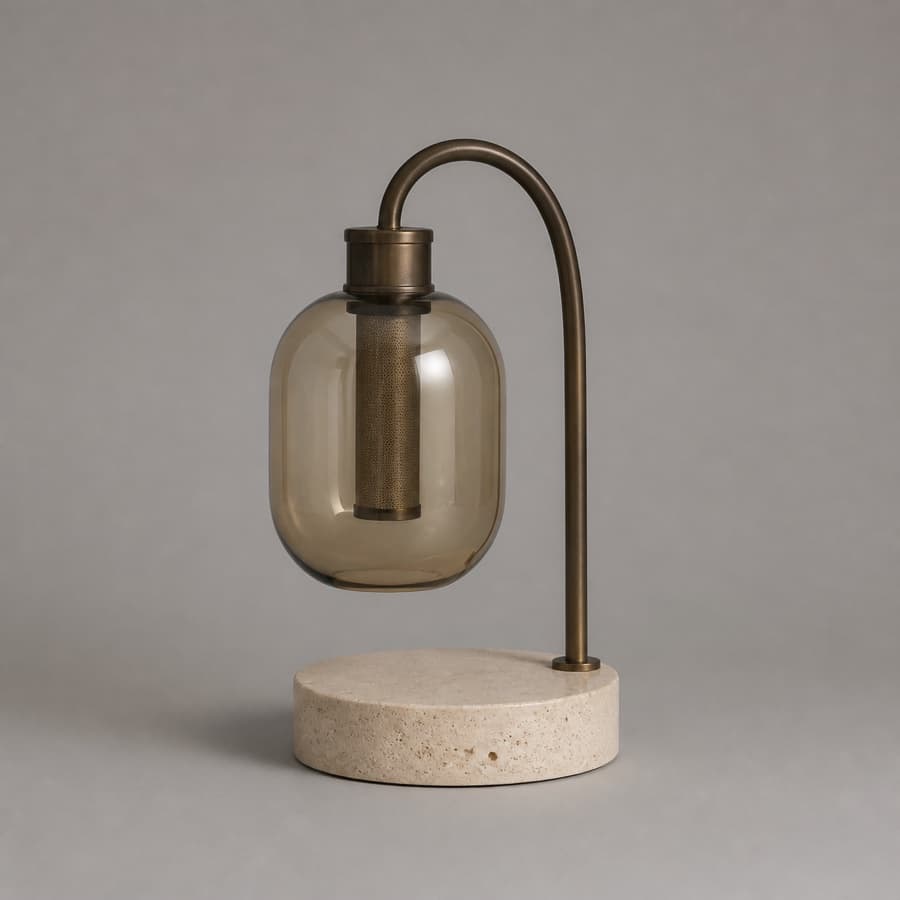
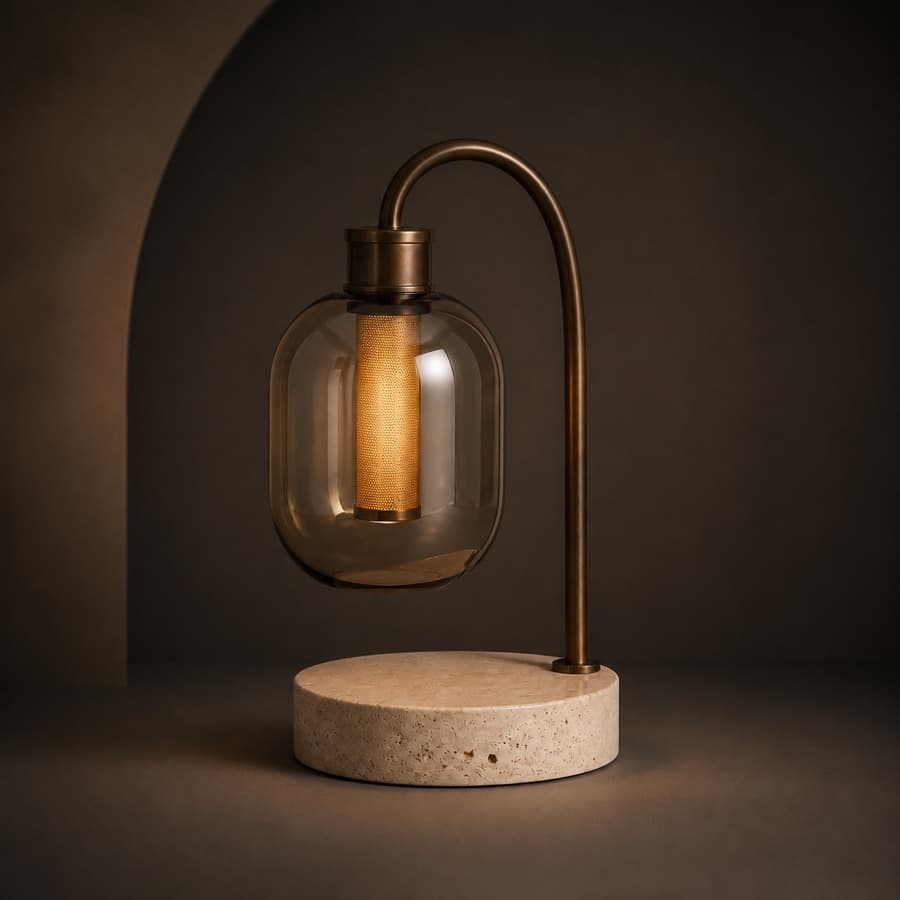
Rebuild compositions and refine product materials, colors and scenes
- AI Product Photo Composition ReferenceCreate a product visual from a composition reference
- Product retouchRefine product materials, lighting and clarity
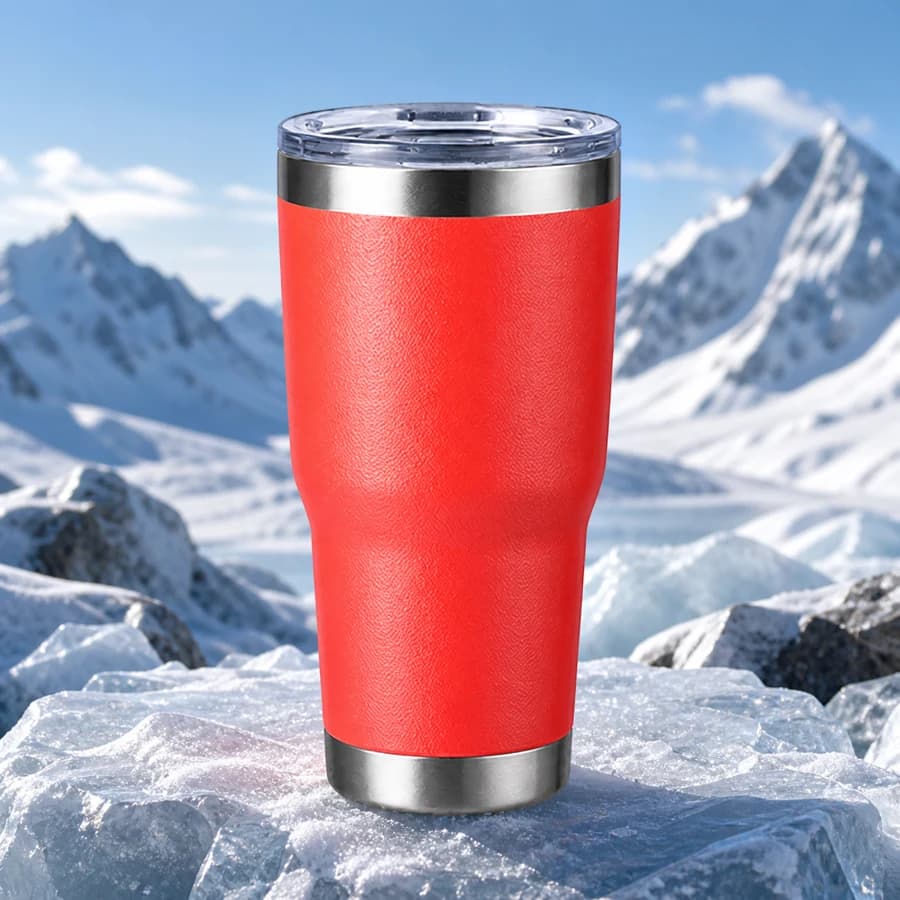
- Product recolorSpecify the target area and color for SKU variants
- AI Product Background ChangerCreate a new product background from text or a reference
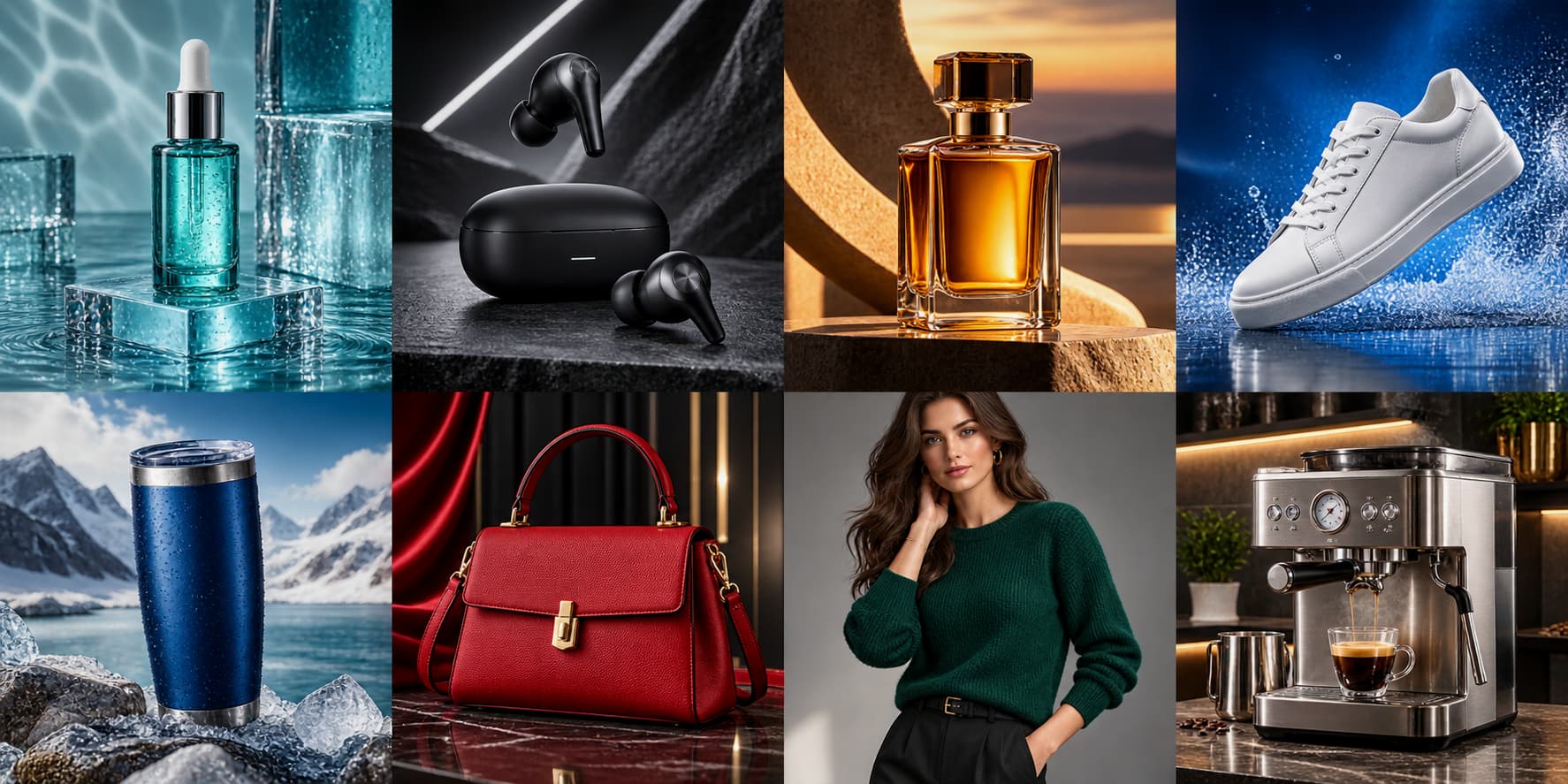
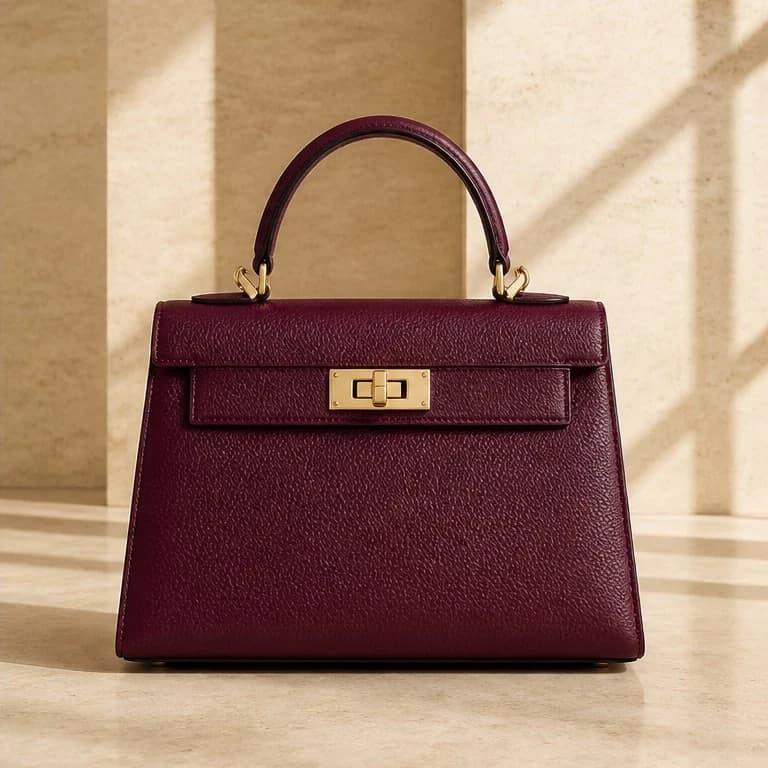
Fashion & Try-on
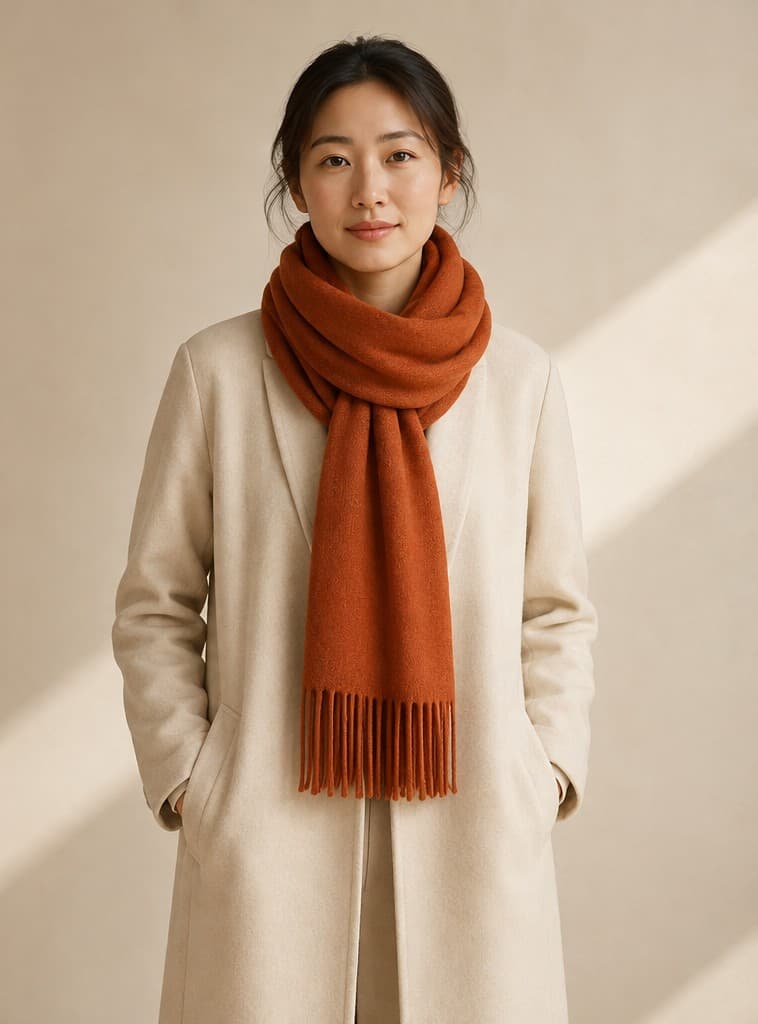
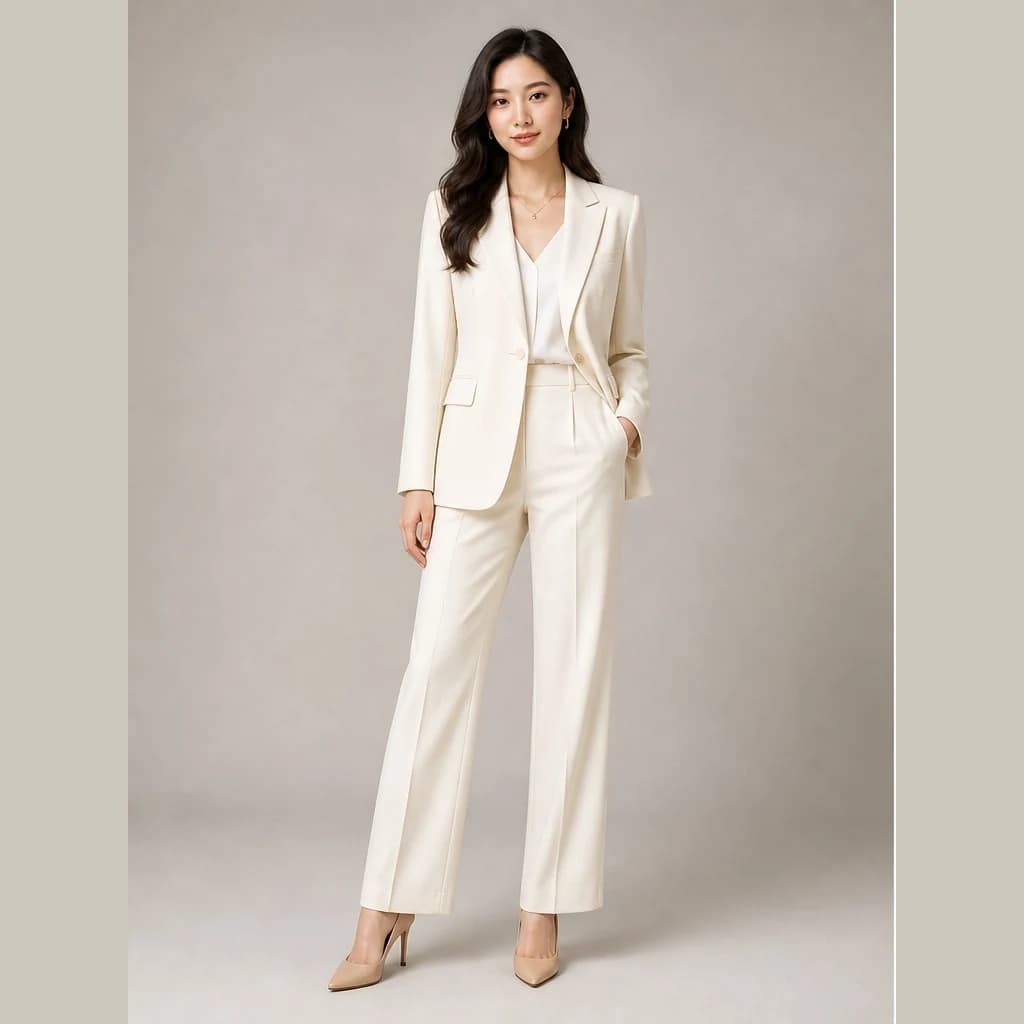
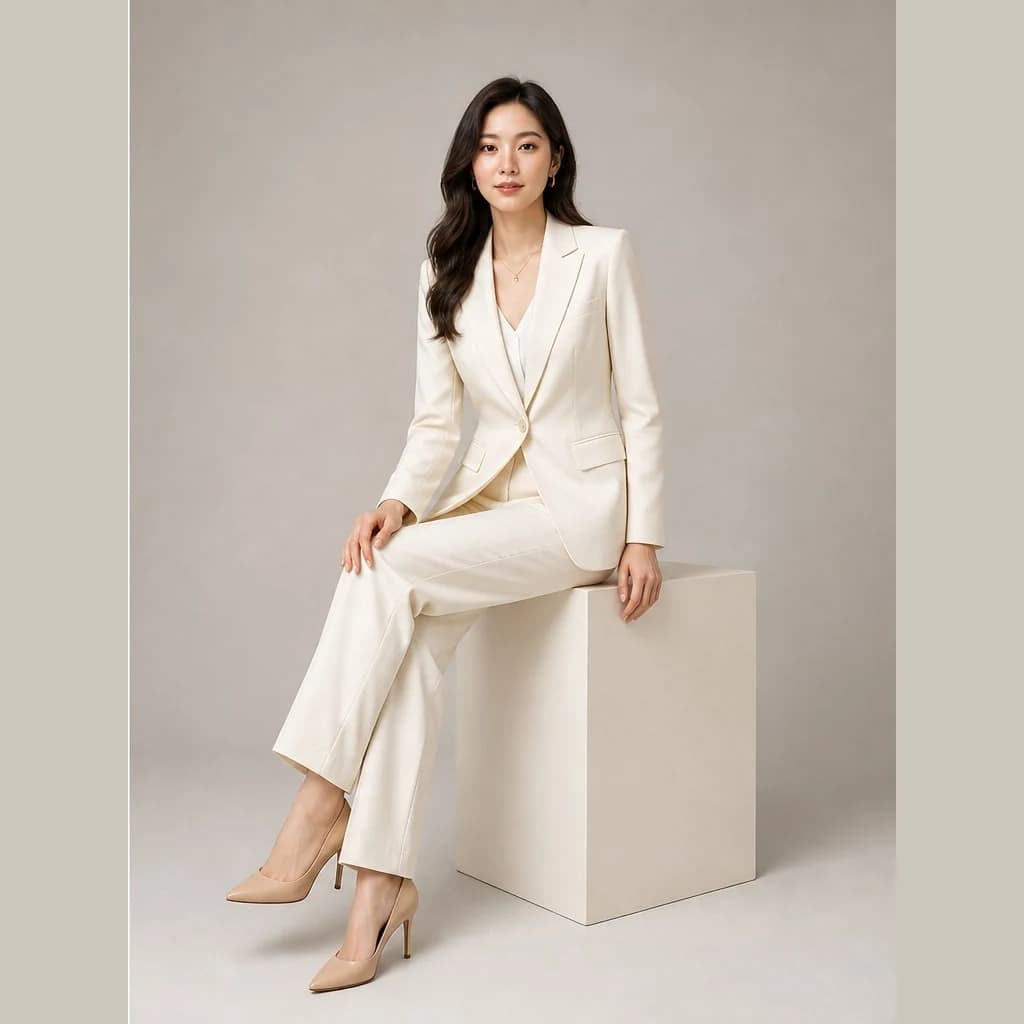
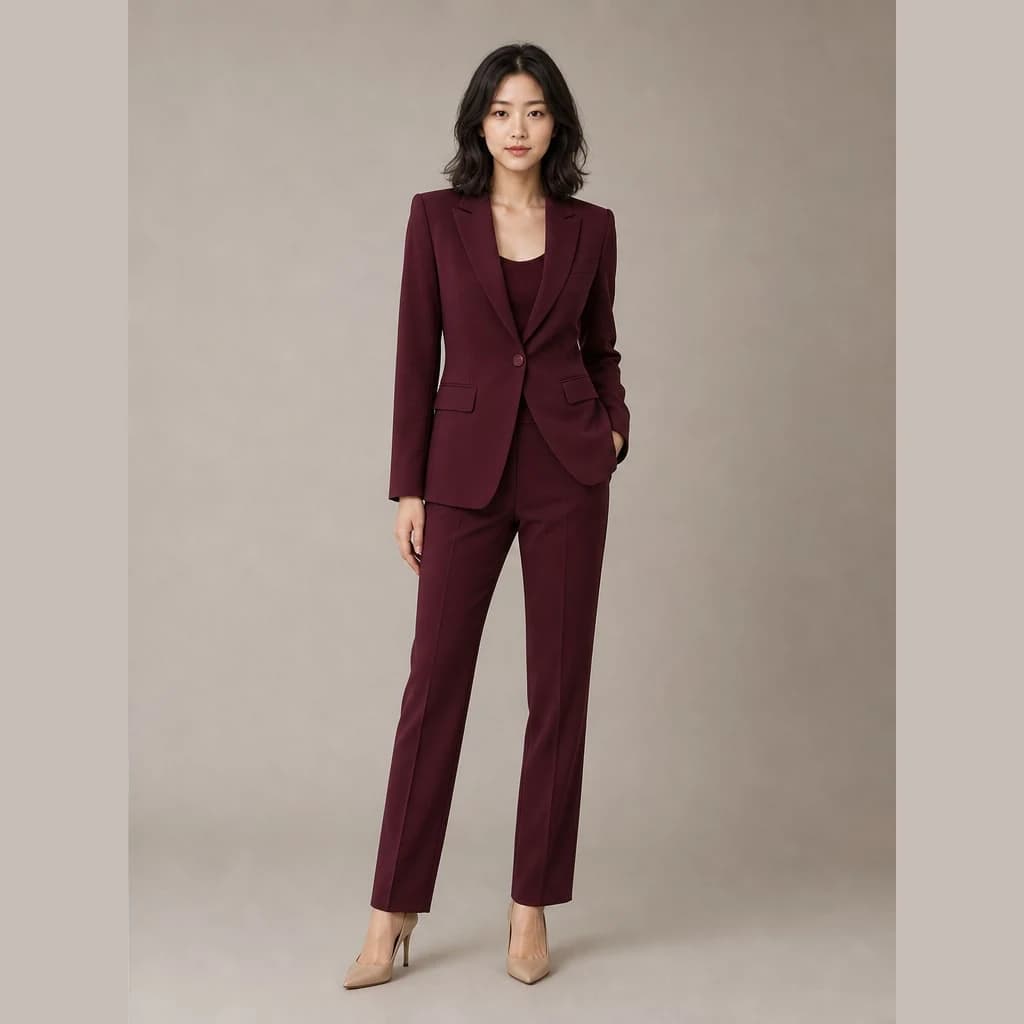
Create apparel sets, model try-ons and model variations
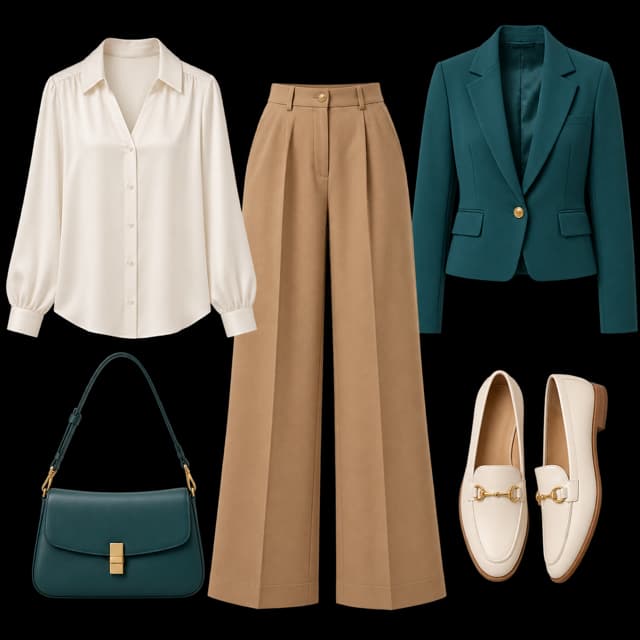
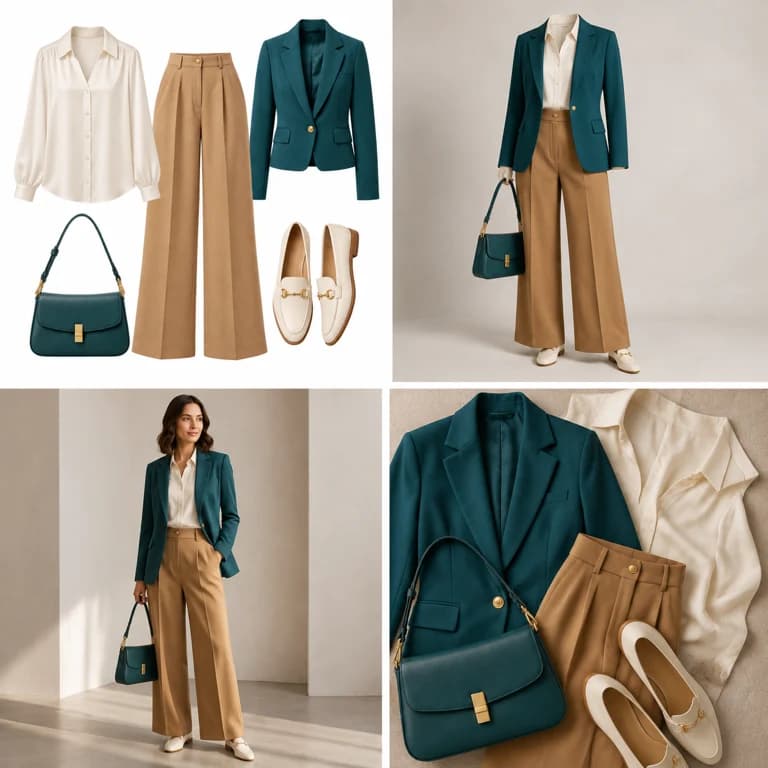
- Outfit image setCreate white-background, dimensional, mannequin and campaign apparel sets
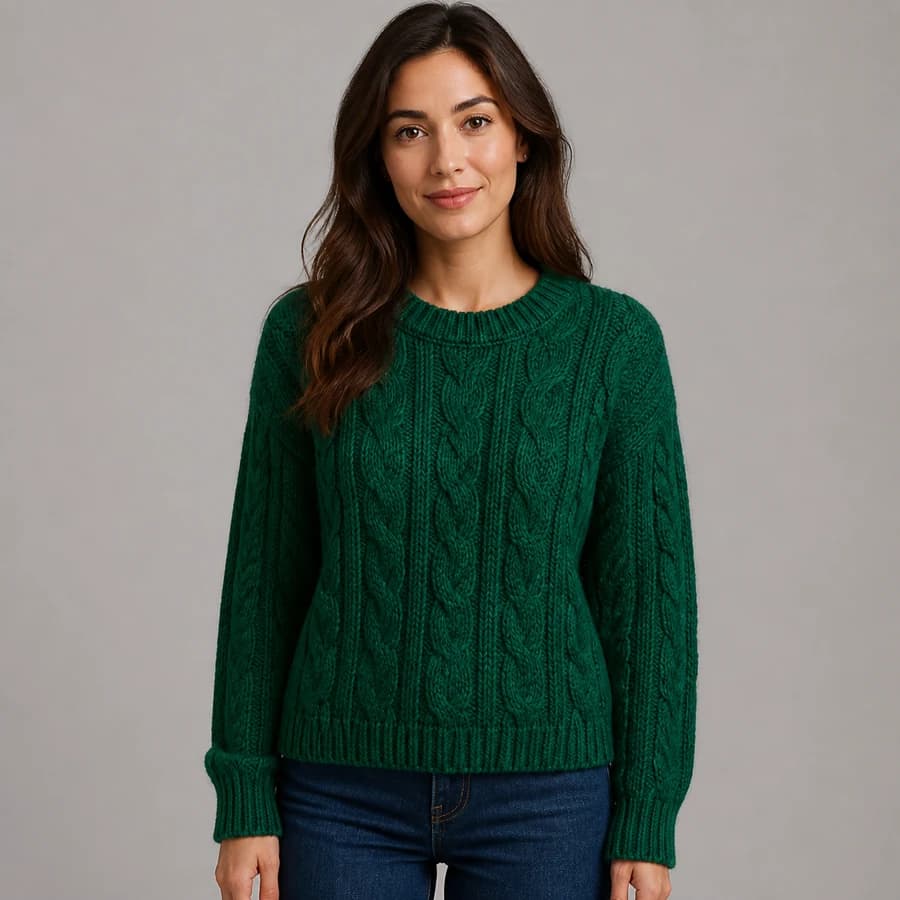
- AI Fashion Model Photos from Clothing ImagesTurn a garment image into an on-model visual
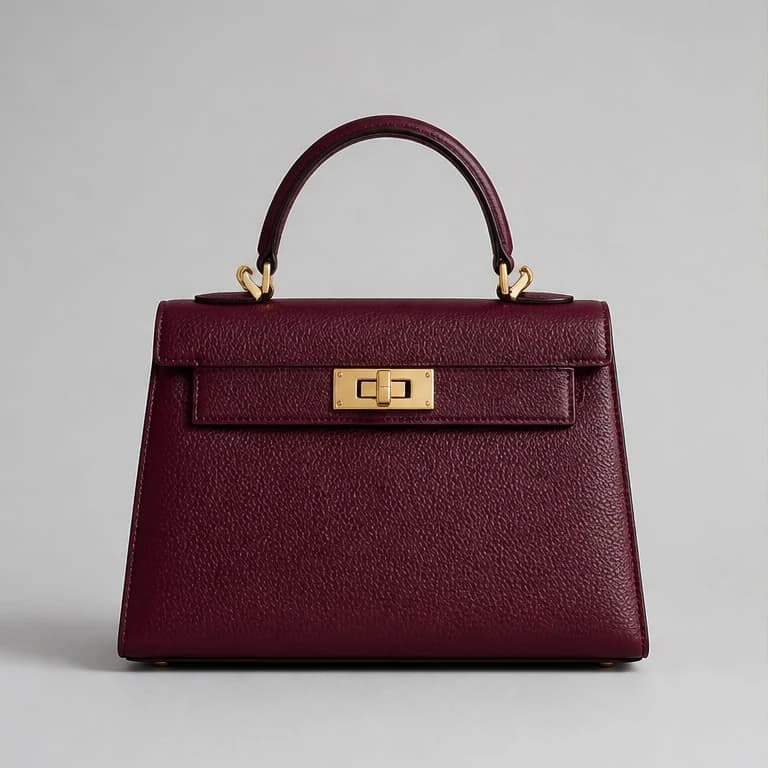
- AI Accessory Try-onTurn an accessory image into a natural on-model visual
- Model pose changeChange a model pose with smart, text or reference controls
- AI model face swapKeep the styling and scene while replacing the model face
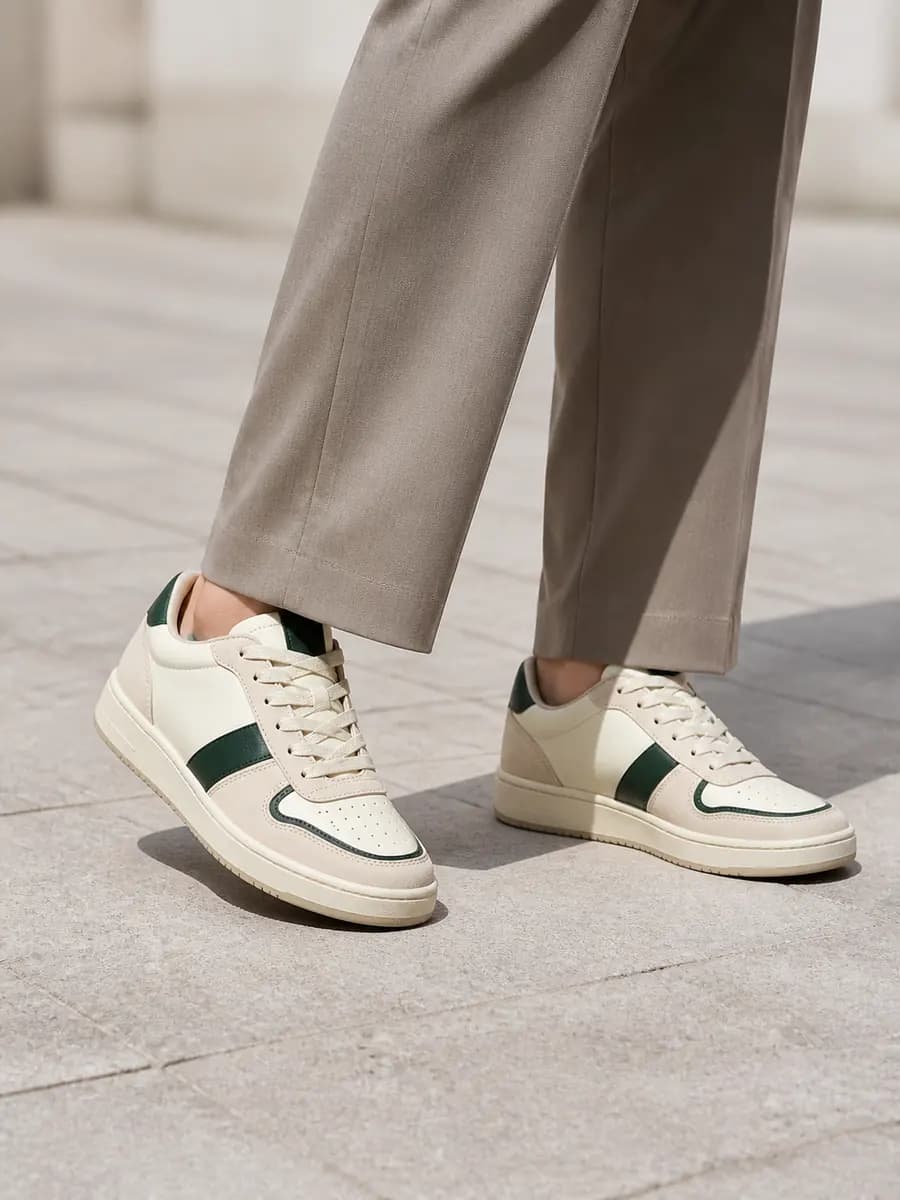
- AI shoe try-onTurn a shoe image into a focused try-on visual