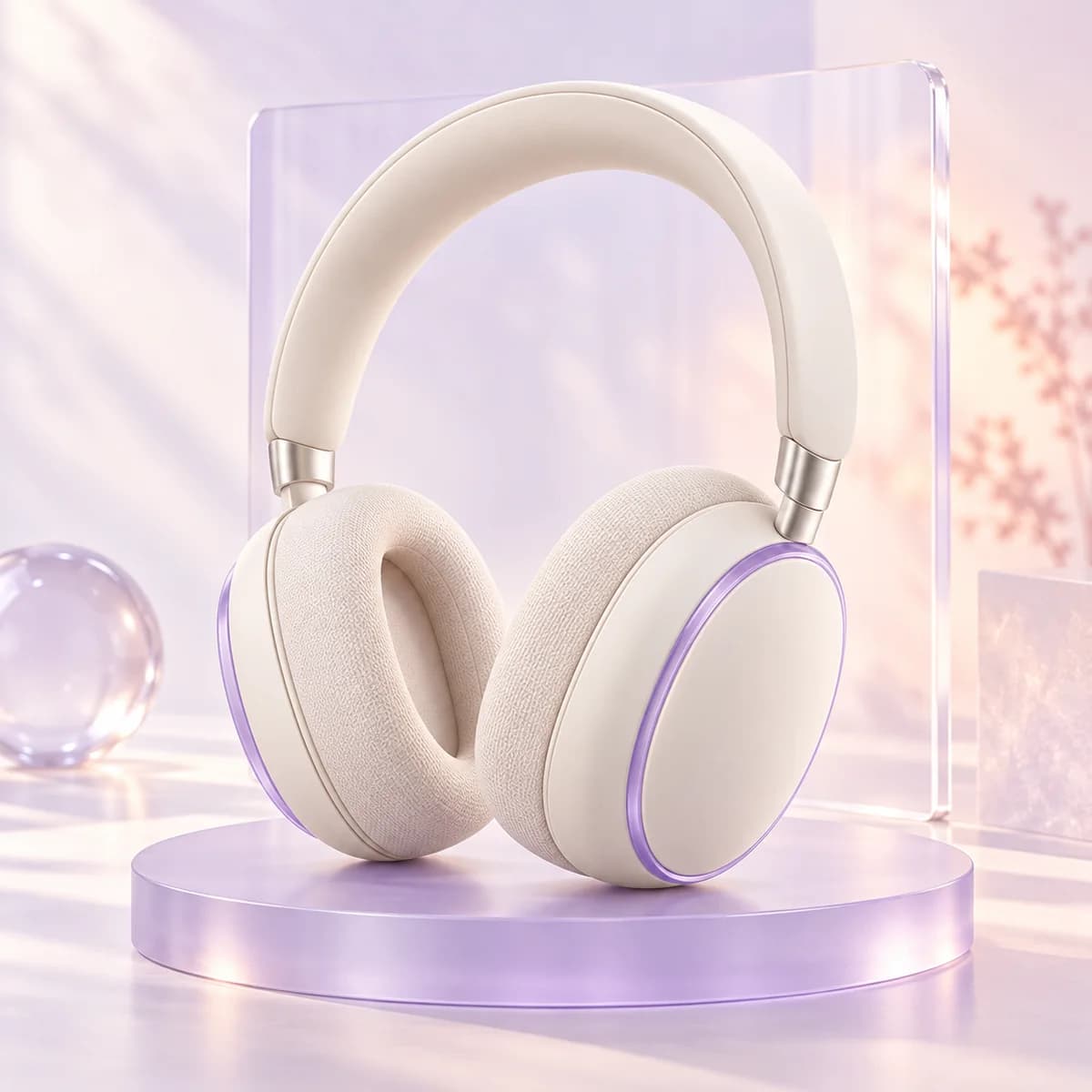
 Product image examples
Create a product scene
Describe the product, composition and lighting to explore imagery for launches and campaigns.
POST /openapi/v1/images/generationsYour browser could not start Mavowow
Update your browser, then reload this page. Mavowow supports Chrome and Edge 85 or later, Firefox 79 or later, and Safari and iOS Safari 14 or later.
Reload MavowowMavowow did not finish loading
Check your network connection and reload this page. If the problem continues, clear your browser cache and try again.
Reload Mavowow Mavowow
Mavowow OpenAPI
Mavowow API is for ecommerce tools and content teams. Call image and video models from your server to bring product imagery, scene edits and video assets into your own systems.
Purpose-built for ecommerce · Your system controls the creative workflow
POST /openapi/v1/images/generations
{
  "model": "gpt-image-2",
  "mode": "generate",
  "prompt": "Studio headphones, soft light",
  "size": "1K",
  "aspect_ratio": "1:1"
}201 Created · queued Example response
Choose a model for the creative task
Available models and parameters are defined by the live model catalog. GET /openapi/v1/models
Product visual production
Plan each creative task around your product, from launch imagery and new settings to video assets. Inputs and output specifications depend on the chosen model.
Product image examplesDescribe the product, composition and lighting to explore imagery for launches and campaigns.
POST /openapi/v1/images/generations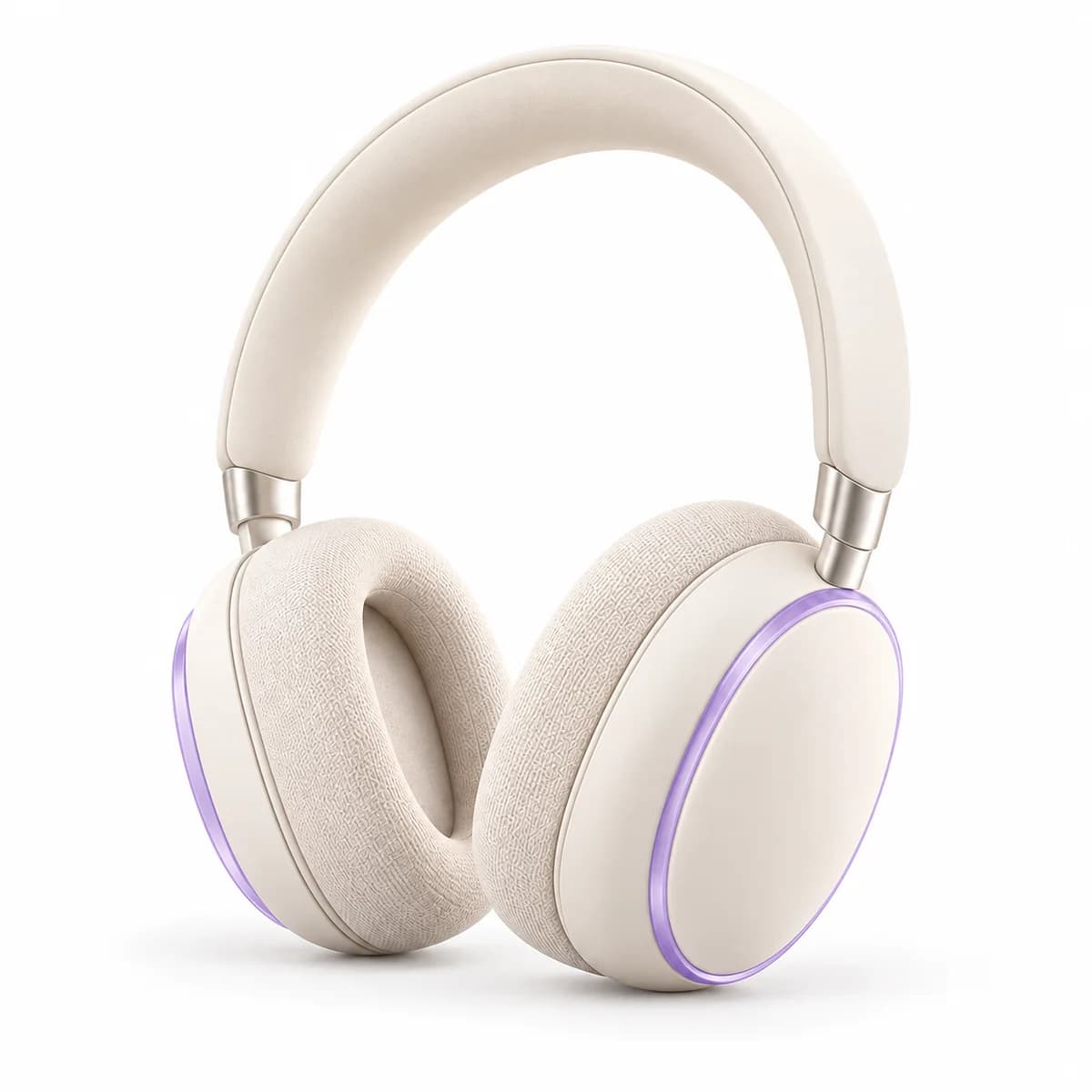
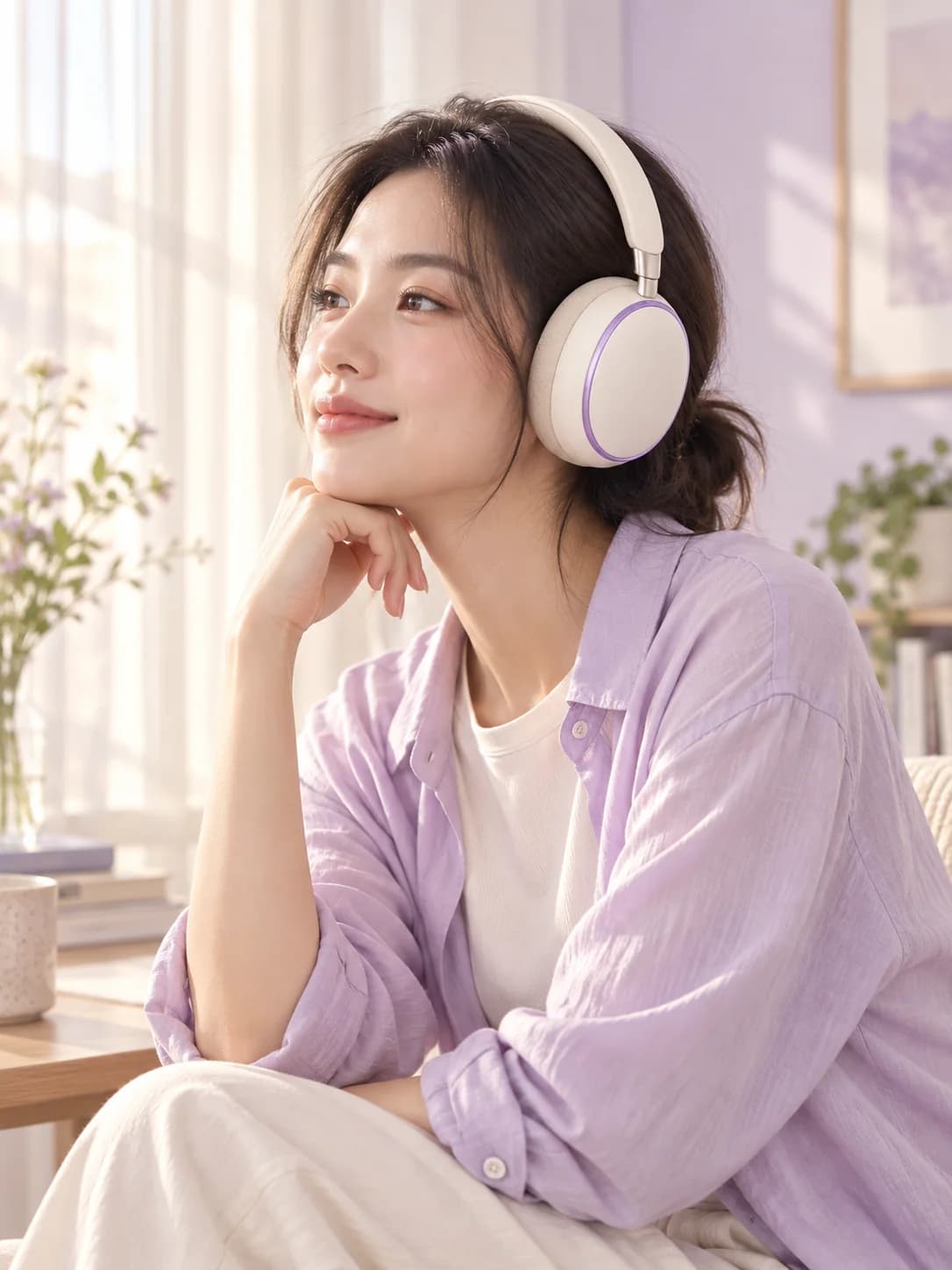
Supply a product reference image and adjust scenes, styles or details within the model’s capabilities.
mode: edit Product image examples
Describe a shot with text or reference media to create video assets for product presentations.
POST /openapi/v1/videos/generationsValidate inputs, task status and result storage with one product, then orchestrate further creative tasks in your system.
Read the integration guideThe full key is shown once. Save it in server-side environment variables or a secret manager.
Choose a model for the product scene and supply a prompt and supported reference media. Use a unique Idempotency-Key for each new task and save its ID.
Poll at the recommended interval and copy completed results to your storage. Your workflow handles review, organization and subsequent use.
This headphone scene example specifies a model, prompt and output format. The API returns a task ID; poll to retrieve the result. Mavowow uses an asynchronous task API, not a drop-in replacement for the OpenAI SDK.
curl -X POST \
  'https://open-api.mavowow.com/openapi/v1/images/generations' \
  -H 'Authorization: Bearer <API_KEY>' \
  -H 'Idempotency-Key: 4e4be4c5-4c59-48ef-893b-f9419af9f8e8' \
  -H 'Content-Type: application/json' \
  -d '{
    "model": "gpt-image-2",
    "mode": "generate",
    "prompt": "Studio headphones, soft light of a headphones",
    "size": "1K",
    "aspect_ratio": "16:9"
  }'

# 201 Created
{
  "data": {
    "id": d2b22844-...",
    "status": queued",
    "model": gpt-image-2"
  }
}Understand product inputs, team workflows and task billing before integrating.
Connect product imagery creation to the tools and operations you already use.