Your browser could not start Mavowow

Update your browser, then reload this page. Mavowow supports Chrome and Edge 85 or later, Firefox 79 or later, and Safari and iOS Safari 14 or later.

Reload Mavowow

Mavowow did not finish loading

Check your network connection and reload this page. If the problem continues, clear your browser cache and try again.

Reload Mavowow
MavowowMavowow
HomeWorkspace
AI Ecommerce

Ecommerce tools

  • Product suiteTurn one product image into a complete listing suite
  • A+ contentTurn product benefits into detail-page modules
  • SKU batchCreate consistent SKU color and background variants
  • AI Product Photo Composition ReferenceCreate a product visual from a composition reference
  • Product retouchRefine product materials, lighting and clarity
  • Product recolorSpecify the target area and color for SKU variants
  • AI Product Background ChangerCreate a new product background from text or a reference
  • Outfit image setCreate white-background, dimensional, mannequin and campaign apparel sets
  • AI Fashion Model Photos from Clothing ImagesTurn a garment image into an on-model visual
  • AI Accessory Try-onTurn an accessory image into a natural on-model visual
  • Model pose changeChange a model pose with smart, text or reference controls
  • AI model face swapKeep the styling and scene while replacing the model face
  • AI shoe try-onTurn a shoe image into a focused try-on visual
Generation tasksPricing
API
Product updates
  • Oct 9NewNano Banana 2.1 is here, with a limited-time 50% discountWant to explore a new image or give an existing one a fresh look? Nano Banana 2.1 is now available for image generation and editing, with output up to 4K and a limited-time 50% discount.
  • Oct 712 new AI E-commerce tools for product photos and virtual try-onBuilding on the existing Product Suite, Mavowow now offers 12 more AI E-commerce tools for A+ Content, SKU images, product retouching, background replacement, apparel visuals, and virtual try-on. There are now 13 tools covering everyday e-commerce image creation.
View all updates
  • English
  • 中文
MavowowMavowow
APIChangelogHomeWorkspace
AI Ecommerce
  • Product suiteTurn one product image into a complete listing suite
  • A+ contentTurn product benefits into detail-page modules
  • SKU batchCreate consistent SKU color and background variants
  • AI Product Photo Composition ReferenceCreate a product visual from a composition reference
  • Product retouchRefine product materials, lighting and clarity
  • Product recolorSpecify the target area and color for SKU variants
  • AI Product Background ChangerCreate a new product background from text or a reference
  • Outfit image setCreate white-background, dimensional, mannequin and campaign apparel sets
  • AI Fashion Model Photos from Clothing ImagesTurn a garment image into an on-model visual
  • AI Accessory Try-onTurn an accessory image into a natural on-model visual
  • Model pose changeChange a model pose with smart, text or reference controls
  • AI model face swapKeep the styling and scene while replacing the model face
  • AI shoe try-onTurn a shoe image into a focused try-on visual
Generation tasksPricing
  • English
  • 中文
  1. AI Ecommerce
  2. /Ecommerce tool
    • Product suite
    • A+ content
    • SKU batch
    • AI Product Photo Composition Reference
    • Product retouch
    • Product recolor
    • AI Product Background Changer
    • Outfit image set
    • AI Fashion Model Photos from Clothing Images
    • AI Accessory Try-on
    • Model pose change
    • AI model face swap
    • AI shoe try-on

Product retouch

Examples illustrate creative directions. Review product details, text and source rights before listing. Try-on visuals do not establish physical fit.

01

Upload image

Upload one clear product image as the retouching source

Product imageRequired; one image supported
02

Retouch settings

Choose retouch directions, aspect ratio, and resolution

Quick optimizations

Select one or more retouch directions

Output ratio
Resolution

Add cleanup or detail-preservation requirements

0 / 200
Cost—

Skincare finish and blemish repair
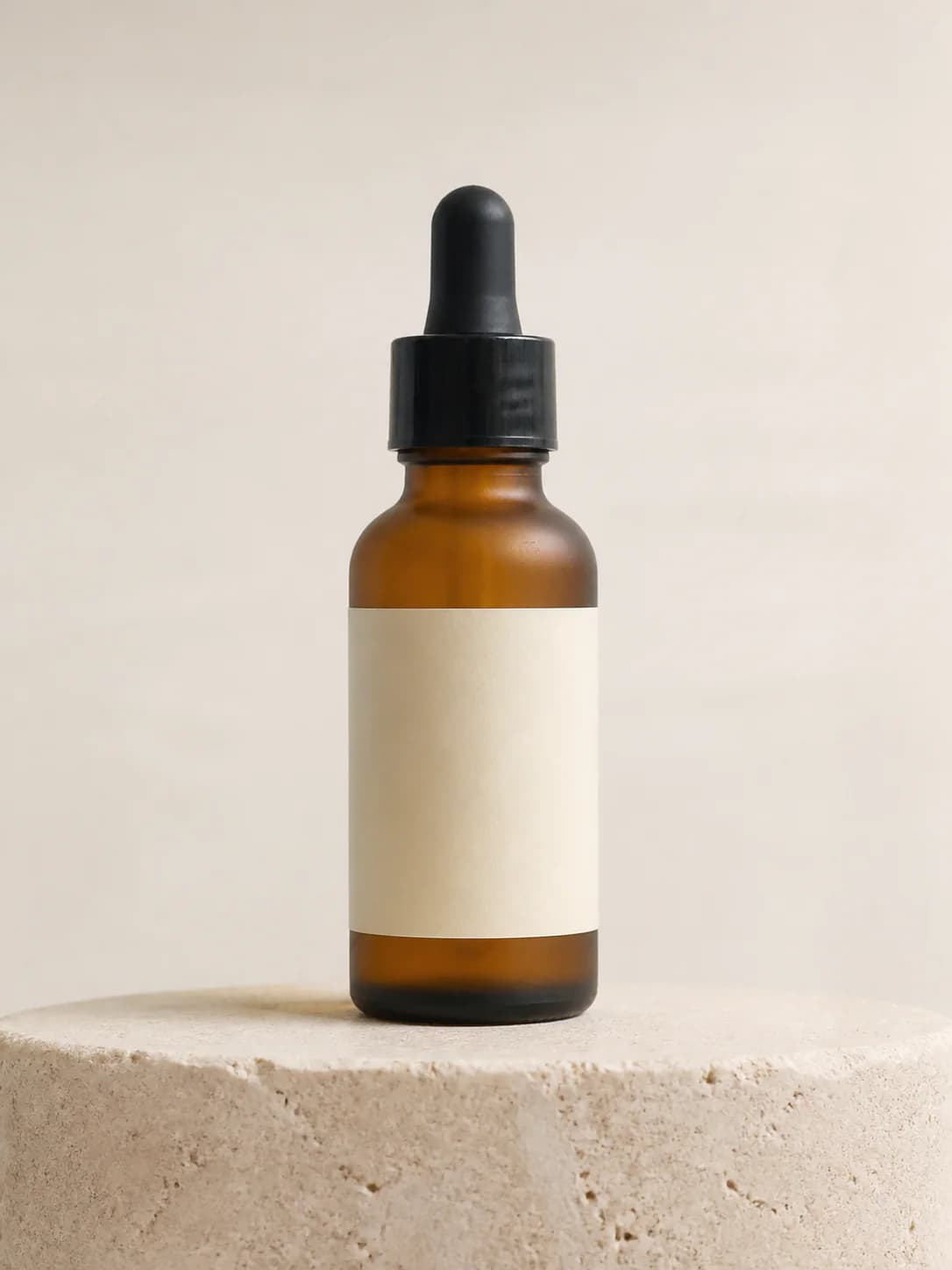
  1. Amber serum product image before retouch
    Original
    →
  2. Amber serum after finish, clarity, and shadow refinement
    Retouched

Recent retouches

Loading recent results
FAQ

Frequently asked questions

Product Retouch works from one image with directions such as gloss enhancement, blemish repair, clarity improvement, color correction, perspective correction and natural shadows, plus optional notes. It refines an existing composition. Choose Product Recolor for a new target color or Product Background Changer for a new scene.

No prior Photoshop skills are required. Select one or more quick optimizations, write a specific requirement, or combine them; at least one retouching direction is required. A simple request such as removing bottle fingerprints while retaining volume text and the batch code identifies the task. Precise pixel editing or text layout may still need a suitable professional editor.

State where the problem is, what to remove and what to preserve, such as cleaning fingerprints and background dust while retaining label edges and glass refraction. Distinguish photographic dirt from real product wear. Used or defective items should not have material defects concealed in a way that affects buying decisions.

Describe the actual material and surface features instead of only asking for a brighter or more premium appearance. For example: matte leather, retained natural grain, fewer harsh highlights. Choose relevant optimizations rather than adding every enhancement. Compare highlights, texture and reflections with the source for changed material appearance.

Yes. Generative retouching does not guarantee pixel-identical text or structure. Compare small text, scales, ports, openings and seams with the original, and specify important areas to preserve. If the source detail is unclear, take a better photo or supply factual material; inferred detail is not a verified restoration.

Color correction aims to reduce photographic color casts and approach the actual product appearance. Recoloring specifies a different target color for a variant. When retaining the original color matters, request cast correction and real-color preservation rather than assuming every product should look more saturated.

You can choose clarity optimization and an available output resolution for the intended use. A larger image does not recover missing product facts: heavily compressed, out-of-focus or unphotographed details may be inferred. Start with the clearest source available, then inspect the result at both its intended display size and full size.

Compare the source and result for outline, perspective, color, material and accessories. Inspect small text, logos, scales, openings and seams. Keep edits that improve photographic presentation; correct or reject results that invent structures or exaggerate the item's condition before listing.